
Here’s what to do if you haven’t got a recovery partition on your Mac and need to reinstall macOS (in fact, even if you don’t need to reinstall macOS you probably should, because a missing Recovery Partition is not a good sign).
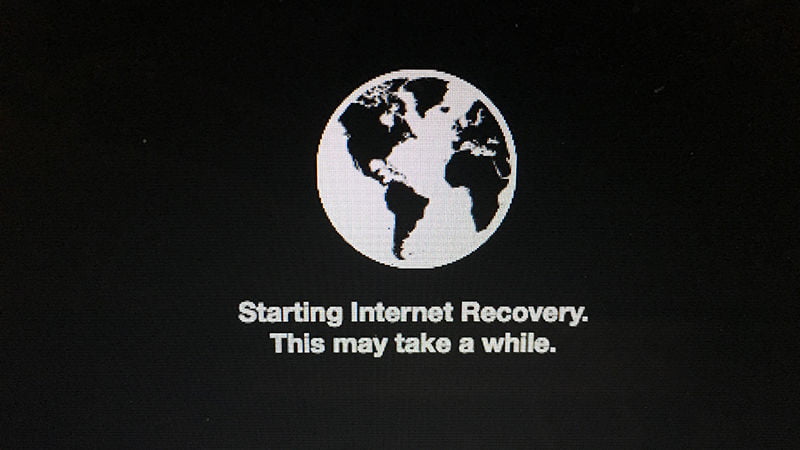
The first approach is to use a feature called Internet Recovery. Newer Macs are able to boot directly from an internet connection, even with no Recovery partition available. Here is how to use MacOS Internet Recovery:
There are issues with Internet Recovery. It only works with networks using WEP and WPA security. This is most home Wi-Fi networks, but if you’re on a proxy network or PPPoE then you will have problems. In these cases it’s usually best to find another network rather than create a USB Recovery Stick (our next step). If you have Internet Recovery, then make use of it to reinstall macOS if possible.
After entering Internet Recovery Mode and choosing to install or reinstall macOS, your Mac will need to download the installer for the version of macOS that came preloaded on your Mac when you took it out of the box.
If OS X Recovery is used for reinstallation, your Mac must use DHCP on a Wi-Fi or Ethernet network and WPA/WPA2 as a security method on Wi-Fi. You cannot reinstall macOS over a Wi-Fi or Ethernet network that uses the following authentication protocols:
The network requirements listed above also apply to the version of Safari that’s included with macOS’ Internet Recovery and standard Recovery Mode.
If your Internet connection has requirements that are unsupported by macOS Recovery, change the settings to a supported configuration for the duration of the macOS installation.
If the recovery partition on your Mac has been damaged and you cannot enter standard Recovery Mode and Internet Recovery is unavailable, you can still start the computer from an external drive with a bootable version of OS X.
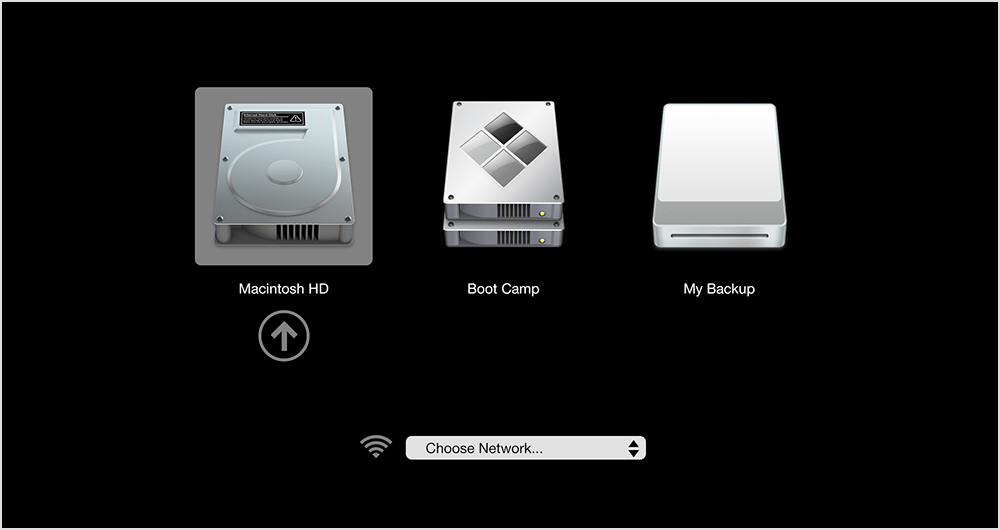
This will put a recovery partition on the external disk. You can continue installing macOS on the startup drive after creating a recovery system on an external drive.
You cannot use macOS’ FileVault disk encryption unless the recovery partition is present on the startup drive. Also, using RAID partitions or non-standard Boot Camp partitions on the startup drive might prevent macOS from installing a local recovery partition.