


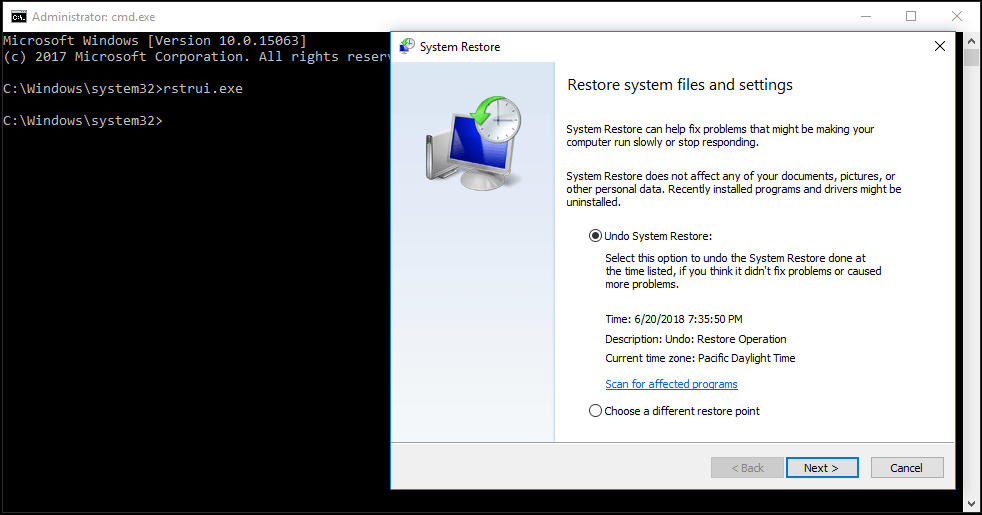
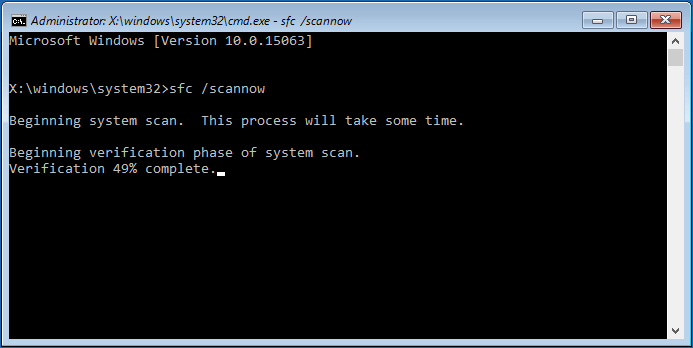
After the verification is done, run a System Restore again to see whether it is still stuck on restoring files or initializing.
In addition to these three solutions, some users suggest performing a full system virus scan using Windows Defender to ensure that the PC is free from virus, or running the disk cleanup and then try performing a system restore. These solutions might also fix the issue of Windows 10 System Restore taking a long time.
Important:
It is easy for System Restore to get stuck on initializing or restoring files in Windows. When something goes wrong, it becomes impossible to restore your computer to a restore point. This is really annoying, but if you have an available backup, things will be easy.
Computer backup has been an issue of critical concern for many people. In case of system corruption or data loss, the backup can be used to quickly restore your system or data.
Compared to System Restore in Windows, backup is recommended since it is all-sided; Windows files, individual files, settings, applications, etc. can all be included in an image file.