If a VIZIO Smart TV is connected to the Internet it will check for available updates periodically.
When a new update is available, it will be queued to be downloaded and installed when the TV is turned off.
If the TV is turned on while it’s updating, the update process will be stopped and queued until the TV is turned off again, at which point it will restart the update process.
When the TV is turned on after the update process has completed, it will show a notification on the screen that a new update was installed.
How To Update a VIZIO Smart TV Manually
This feature is only available on VIZIO SmartCast TVs running the latest firmware.
Press the V key on the TV remote.
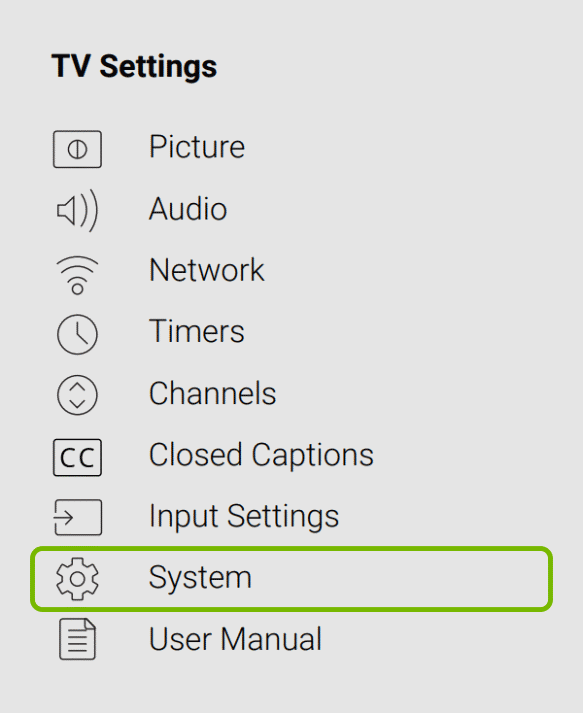
Select System from the menu.
Then select Check for Updates.
The TV will start checking for updates.
If a new update is available, confirm you want to install it and wait for the process to complete.
Do not turn off the TV during the update process.
The TV will first download the new update, restart, install the update and restart again.
After the second restart the TV will be updated and ready to use.